

LiveBuzz Studio · TikTok Shop Ads
Published March 2026 · ~11 min read · Written by a UK TikTok Shop Partner (TSP)
Most TikTok Shop sellers running GMV Max are using about 40% of what the system can actually do. They set a budget, pick an ROI target, and walk away — then wonder why their results plateau. What they are missing is not the tool. It is the operating methodology behind it.
This is the insider playbook — built from TikTok’s own Shop Ads team training, not general knowledge. The mechanics behind GMV Max are specific, counterintuitive in places, and significantly more powerful than most brands realise. If you are running TikTok Shop and you have not implemented all eight of these practices, you are leaving GMV on the table every single day.
What GMV Max Actually Is (And Why It’s Different)
GMV Max is TikTok Shop’s smart ad system — an automated campaign type that optimises across all available placements simultaneously to generate the maximum possible GMV for your store. From July 2025 it became the default and only supported campaign type for TikTok Shop Ads, replacing the previous manual Shopping Ad formats.
What makes GMV Max structurally different from traditional paid social is the objective function. You are not optimising for clicks, impressions, or even conversions in isolation. You are setting an ROI target — a minimum return on ad spend — and the system only spends your budget when it believes it can hit that target.
The GMV Max Formula
ROI Target × Daily Budget = Expected Daily GMV
This is TikTok’s own internal formula. A £300 daily budget with a 6× ROI target means the system will only spend if it believes it can generate £1,800 in GMV that day. If conditions only support £900 of GMV, it will spend £150, not £300. Understanding this changes how you think about budget and ROI target decisions entirely.
There are two GMV Max campaign types: Product GMV Max, which places your products and affiliated short videos in the Shop Tab and For You feed, and Live GMV Max, which drives traffic to your active livestream. Most brands run one. The brands generating the highest TikTok Shop GMV run both simultaneously — and the way they set up Live GMV Max is almost always wrong.
The 8-Point GMV Max Operating Playbook
Trust the Daily Budget Recommendation
GMV Max automatically calculates a recommended daily budget based on your store’s historical performance. That recommendation is frequently £200+ — and most sellers refuse to follow it because the number looks daunting. This is a mistake grounded in a misunderstanding of how the system works.
The budget is not a commitment to spend. Apply the formula: ROI Target × Budget = Expected GMV. If your ROI target is 6× and the system recommends a £300 daily budget, it is telling you it believes it can generate £1,800 of GMV. If market conditions only support £900 of GMV on a given day, the system will spend £150, not £300.
The rule: as long as your ROI target is at a level profitable for your business, follow the budget recommendation. The system will not overspend if the return isn’t there.
Run Product GMV Max and Live GMV Max at the Same Time
Every TikTok Shop brand should be running a Product GMV Max campaign. This is the non-negotiable foundation — it places your products in the Shop Tab’s best positions and surfaces your owned and affiliate videos in targeted For You feeds. Most brands do this.
What most brands do not do is run Live GMV Max in parallel. If you are livestreaming — even occasionally — a Live GMV Max campaign captures the customer segment that your organic live broadcast is not reaching. It acts as a new customer acquisition tool for your live sessions, bringing high-quality traffic into the room that would not have found you organically.
These two campaign types do not compete with each other. They target different placements and different moments in the customer journey. Running both is additive, not duplicative.
Set Your Live GMV Max Campaign with No End Time
This is the single most misunderstood configuration decision in Live GMV Max, and getting it right delivers a compounding advantage that most brands never unlock. When you set up a Live GMV Max campaign, do not set an end time.
Here is why: a Live GMV Max campaign with no end time will automatically activate when your livestream begins and deactivate when it ends. This means one campaign serves every single live session you run — the system accumulates learning from every session into the same campaign data set. The algorithm gets smarter with each live, retaining insights about which audiences convert, at what bid levels, and at what times of day.
If you create a new campaign for each live, you reset the learning. Each session starts from scratch. The no-end-time approach keeps all campaign intelligence intact — and this compounds significantly over weeks and months of live selling.
Promote Your Full Product Catalogue in Product GMV Max
Best practice is to include all products in a single Product GMV Max campaign. The system is better at allocating budget across your catalogue than you are at guessing which products will convert on a given day. Restricting the campaign to a curated subset removes the algorithm’s ability to find unexpected winners.
The exception: if you have products in meaningfully different categories with very different margin profiles, running separate campaigns targeting different product sets can make sense. But the key is ensuring full catalogue coverage — no product should be excluded from a GMV Max campaign without a deliberate reason.
Autoselect All Creatives — Without Exception
The default setting for Product GMV Max is to autoselect all available creatives. This is correct — do not change it. The more creative inputs the system has access to, the more signals it can use to match the right creative to the right audience at the right moment.
This includes organic short videos, UGC content, and affiliate videos. Restricting creatives — even to your “best performers” — artificially limits the system. What converts for a retargeting audience is different to what converts for a cold audience. The algorithm needs the full creative set to make that distinction.
Turn On Promotion Days in Both Campaign Types
Promotion Days is a GMV Max feature that automatically optimises your campaigns during TikTok Shop’s major sale events — Summer Sale, Black Friday, Double Date campaigns, and so on. When activated, the system slightly lowers your ROI target and increases your budget during peak campaign windows to capture disproportionately high GMV volumes.
Apply the formula again: a lower ROI target during a major campaign means more GMV per pound of spend — and TikTok’s major sale events generate the highest purchase intent of the year. Summer Sale is the second biggest shopping moment after Black Friday. Not activating Promotion Days during these windows is leaving your highest-volume days underserved.
Promotion Days is available in both Product GMV Max and Live GMV Max. Turn it on in both. The incremental GMV during major campaigns from this single toggle is significant.
Monitor Budget Utilisation Daily — and Scale at 80%
Budget utilisation is calculated as actual spend divided by your daily budget. When that ratio hits 80%, the system is telling you it wants to spend more — and it has the demand signals to justify it. If you do not increase the budget at this point, you are capping your own GMV. The system exhausts its budget, often by mid-afternoon, and leaves the highest-converting evening hours underserved.
The trigger: when budget utilisation reaches 80% on a given day, increase the budget by 30%. Not 10%, not 50% — the 30% increment is calibrated to give the algorithm room to expand without destabilising the campaign’s learning.
Evening hours — typically 7pm to 11pm — are the highest-converting window for most UK TikTok Shop categories. A campaign that exhausts its budget at 3pm is absent during its most valuable hours.
Get Your Affiliate Creators to Turn On Mass Authorisation
GMV Max can automatically pull your affiliate creators’ videos into your campaigns — but only if those creators have turned on a setting called Affiliate Mass Authorisation. Many creators have not done this. When it is off, their videos are invisible to your GMV Max campaigns regardless of how well those videos perform organically.
The fix is simple but requires proactive outreach. Go through your affiliate creator network and directly message any creator whose Mass Authorisation is not active. A single high-performing affiliate video that the algorithm can now amplify could represent a meaningful uplift in daily GMV — and you are paying for that traffic only when it converts.
This is one of the most overlooked GMV Max optimisations. A TSP with 50 active affiliates who each have Mass Authorisation disabled is running GMV Max on a fraction of its available creative inventory.
The GMV Max Decision Matrix
Across the brands LiveBuzz Studio manages as an official TikTok Shop Partner, the difference between average and top-quartile GMV Max performance comes down to a consistent set of decisions. Use this as a diagnostic against your current setup:
| Practice | Most Brands | Top Performers |
|---|---|---|
| Follow budget recommendation | ❌ Override with lower budget | ✅ Follow and scale |
| Live GMV Max campaign | ❌ Not running | ✅ Running alongside Product |
| Live GMV Max end time | ❌ Set per session — resets learning | ✅ No end time — learning compounds |
| Catalogue coverage | ❌ Partial — top sellers only | ✅ Full catalogue |
| Creative selection | ❌ Manually curated | ✅ All creatives autoselected |
| Promotion Days | ❌ Off | ✅ On in both campaigns |
| Budget utilisation monitoring | ❌ Set-and-forget | ✅ Daily check, +30% at 80% |
| Affiliate Mass Authorisation | ❌ Assumed active | ✅ Proactively confirmed per creator |
GMV Max and Your Live Strategy: The Amplification Loop
The most effective GMV Max deployments we manage treat the two campaign types as a feedback loop, not as independent levers. Here is how it works at the system level:
Product GMV Max surfaces your organic and affiliate short videos to high-intent audiences. Top performers identified by the algorithm generate the conversion signal data that informs the next campaign cycle.
Live GMV Max brings new customers into your live room who were not reached organically. Higher concurrent viewership creates stronger commercial velocity signals — which TikTok’s algorithm uses to amplify the stream further.
Product GMV Max places products in premium Shop Tab positions. The purchase signal from Shop Tab traffic feeds back into the algorithm’s product-level conversion data, improving future targeting precision.
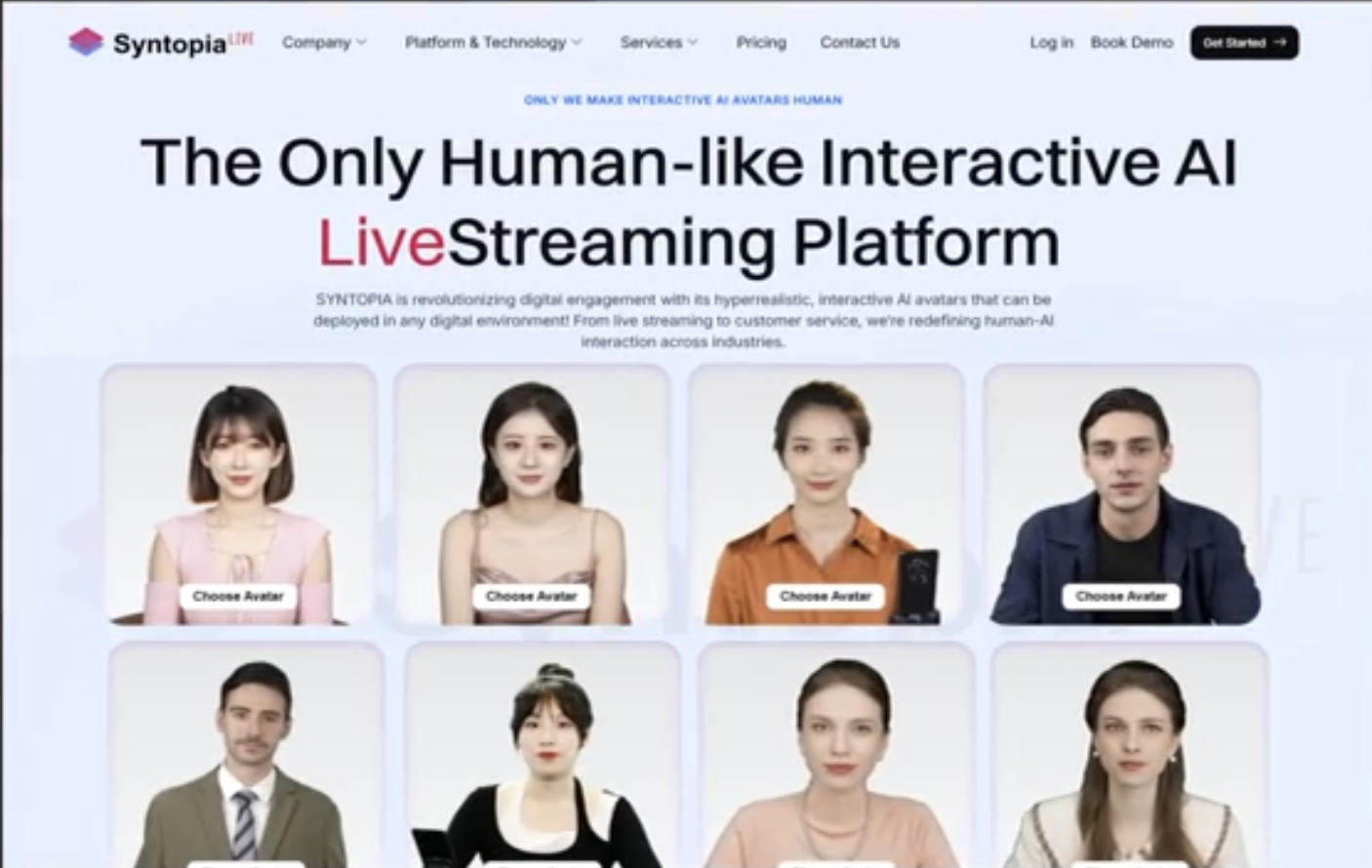
Brands currently running AI-powered live commerce — using tools like Syntopia.ai to run 24/7 AI avatar-hosted live streams — are particularly positioned to benefit from this loop. A live stream that never goes offline creates a persistent Live GMV Max campaign that continuously accumulates learnings and drives traffic at any hour, without the variable performance that comes with human host availability.
Setting Your ROI Target: The Starting Framework
The most common ROI target mistake is setting it too high too early. A 10× ROI target on a new campaign will result in minimal spend because the system cannot find sufficient inventory meeting that threshold. The correct approach is a staged entry.
Entry
Start between 3× and 5× ROI. This gives the system enough latitude to find traffic and build its audience model. Once the campaign has at least 2–3 weeks of live session data, evaluate actual ROAS and adjust upward in 0.5× increments.
Scaling
Match your ROI target to your actual acceptable ROAS, not your aspirational ROAS. If the campaign is hitting 6× ROAS at a 5× target and you want to scale, increase the budget first. Only raise the ROI target once you have established the traffic volume to support it.
Managing TikTok Shop Ads for Your Brand?
GMV Max Management Is Part of Every LiveBuzz TSP Engagement
As an official TikTok Shop Partner (TSP), we manage GMV Max alongside your full live commerce and affiliate programme — including the daily monitoring, Promotion Days strategy, and affiliate mass authorisation checks that most brands miss entirely.
Talk to a TSP Expert →Related reading: TikTok Live Commerce · For Brands · TikTok Live Commerce Agency Guide